
AI Baby Dance Video Generator

Upload one clear baby photo, describe a gentle age-appropriate movement, and generate a short baby dance clip. Inspect the face, hands, feet, and body proportions before saving or sharing.

Start from one baby photoGentle, age-appropriate motionFree trial credits after signup
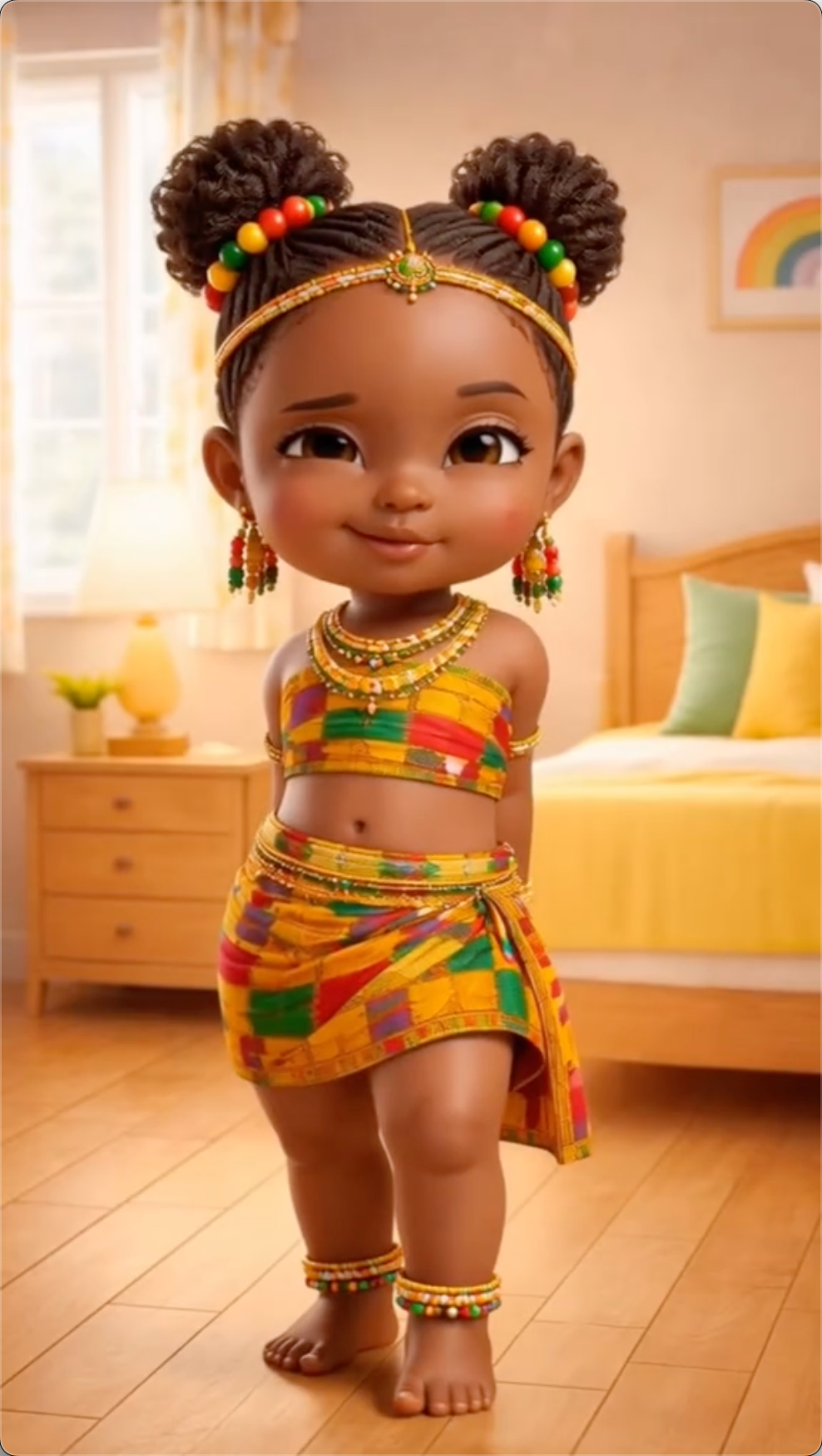
Illustrated baby reference image for baby dance generation
Source Image
AI Dance Video

AI Dance Video Generator

First Frame
Last Frame
0 / 2000

From a Baby Photo to a Dance Clip

Each example shows the source image, motion prompt, and generated video. Inspect face, limbs, clothing, body proportions, and background instead of judging only whether the motion looks cute.

01

Pink Tutu: Small Ballet-Inspired Gesture

Baby source image
Motion prompt

A toddler in a pink tutu making gentle ballet-inspired arm movements and a very small controlled turn, soft pastel studio background, calm expression, fixed full-body camera, age-appropriate motion, keep the face, hands, clothing, body proportions, and background stable

02

Family Living Room: Gentle Side-to-Side Groove

Baby source image
Motion prompt

A baby making gentle rhythmic side-to-side movements and small hand gestures in a tidy modern living room, bright casual clothing, warm family-friendly atmosphere, fixed full-body camera, keep the face, clothing, body proportions, and background stable

03

Bright Nursery: Gentle Seated Sway

Baby source image
Motion prompt

A baby making a very gentle seated sway with small hand movements in a bright tidy nursery, soft natural light, warm calm expression, fixed medium-wide camera, age-appropriate motion, keep the face, hands, body proportions, clothing, and background stable

Check the Photo and Motion Before Generating

The photo defines face and body structure; the prompt defines motion direction. These four checks reduce obvious facial, limb, and background problems.

  • Use One Unobstructed Baby Photo

    The face, hands, and body outline should remain visible. Pacifiers, hands covering the face, heavy headwear, and crowded images increase structural-change risk.

  • Use Soft, Even Lighting

    Window light or soft indoor light helps preserve skin tone and facial features. Avoid harsh shadows, overexposure, grain, and beauty filters that change face shape.

  • Keep Motion Gentle and Age-Appropriate

    Start with a seated sway, small clap, or gentle gesture. Avoid jumps, rapid spins, inversions, or prompts that imply unsafe or extreme movement.

  • Confirm Guardian Permission and Sharing Scope

    Only upload photos a guardian has the right to use and is comfortable processing online. Inspect face, body proportions, and background before sharing publicly.

AI Baby Dance FAQ

Answers specific to baby videos—photo choice, safe motion, and guardian permission.

Try a Gentle Motion with One Baby Photo

Register to receive trial credits. Only upload baby photos you have the right to use and are comfortable processing online. Your credit balance and generation cost are shown in your account and generator.